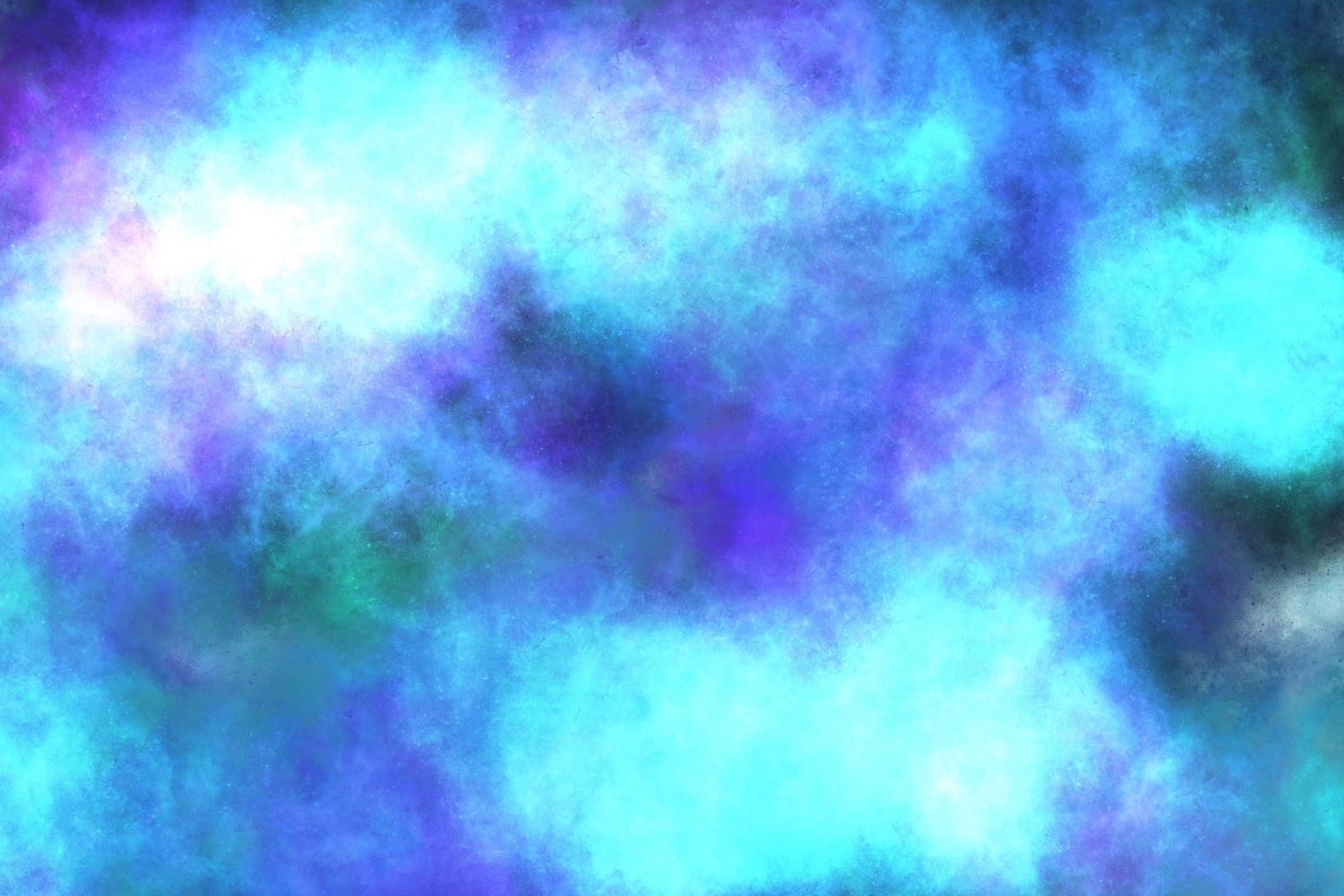
Galaxy S7 stock wallpapers are the default backgrounds that came pre-installed on the Samsung Galaxy S7 and S7 Edge. You can download them in full HD and Quad HD resolution from trusted wallpaper archives, then set them through your phone’s Settings menu. They remain popular for their crisp colors, minimalist design, and nostalgic appeal.
Years after its 2016 release, the Samsung Galaxy S7 still holds a special place in the hearts of Android fans. One of the most searched-for elements of this classic phone isn’t a spec or a feature—it’s the wallpapers. People continue to hunt for galaxy s7 stock wallpapers because they capture a specific moment in Samsung’s design history: clean, vibrant, and beautifully simple.
Maybe you owned an S7 and want that familiar background on your new device. Maybe you’re restoring an old handset. Or maybe you just appreciate a good default wallpaper when you see one. Whatever brought you here, this guide covers everything—what these wallpapers are, where to download the samsung galaxy s7 stock wallpaper collection, how to set them, and a few alternatives worth trying.
By the end, you’ll know exactly how to get every Galaxy S7 and S7 Edge background on your screen, no matter what phone you’re using today.
Why Do People Still Search for Galaxy S7 Stock Wallpapers?
The Samsung Galaxy S7 launched in March 2016, and it quickly became one of the best-selling Android phones of its era. Its wallpapers were designed to show off a display that was ahead of its time. That combination of memorable design and technical polish is exactly why searches for these backgrounds haven’t faded.
There are a few clear reasons behind the ongoing interest:
- Nostalgia. Former S7 owners associate these wallpapers with a phone they genuinely enjoyed.
- Design quality. The abstract patterns and rich colors still look modern on today’s screens.
- Universality. Stock wallpapers work on any device, not just Samsung phones.
- Simplicity. Many users find them cleaner and less cluttered than modern default wallpapers.
Put simply, good design ages well—and the S7 wallpapers prove it.
What Are Stock Wallpapers and Why Do They Matter?
Stock wallpapers are the background images that ship pre-installed on a device straight from the manufacturer. On the Galaxy S7, Samsung included a curated set of images chosen to highlight the phone’s screen quality and overall aesthetic.
These wallpapers matter more than most people realize. Manufacturers invest real design effort into them because the default background is the first thing a buyer sees when they power on a new phone. A striking wallpaper creates an instant impression of quality.
The samsung galaxy s7 stock wallpaper set followed Samsung’s design language at the time—deep blues, soft gradients, and abstract textures that felt premium without being distracting. Because they were built to flatter the S7’s display, they tend to look excellent on almost any modern smartphone too.
The Galaxy S7 and S7 Edge Display: Built for Beautiful Wallpapers
To understand why these wallpapers look so good, it helps to know the screen they were made for.
The Galaxy S7 featured a 5.1-inch Quad HD Super AMOLED display, while the S7 Edge stepped up to a 5.5-inch curved version—both with a resolution of 1440 x 2560 pixels. That’s roughly 577 pixels per inch on the standard model, delivering razor-sharp detail.
Samsung’s Super AMOLED technology is known for deep blacks, punchy contrast, and vivid colors. The stock wallpapers were engineered to take advantage of this. Dark backgrounds appear truly black on AMOLED panels, which makes the brighter accent colors pop dramatically.
For anyone downloading these images today, that’s good news: because they were designed for a Quad HD screen, the original files hold up well even on high-resolution modern displays.
All Galaxy S7 Stock Wallpapers: A Full Breakdown
Samsung shipped the S7 and S7 Edge with a mix of standard backgrounds and a few device-specific extras. Here’s what the collection includes.
Default Home Screen and Lock Screen Wallpapers
The standard Galaxy S7 included a set of abstract and nature-inspired wallpapers. These featured:
- Soft gradient backgrounds in blue, purple, and teal tones
- Abstract geometric and wave-like patterns
- A signature deep-blue default that many owners kept in place
- Subtle textured designs meant to add depth without clutter
Each image was provided at Quad HD resolution (1440 x 2560), which means they still display crisply on newer phones.
Galaxy S7 Edge Exclusive Stock Wallpapers
The S7 Edge came with a handful of additional wallpapers tailored to its curved screen. These galaxy s7 edge stock wallpaper designs used flowing lines and edge-friendly compositions that wrapped elegantly around the phone’s curved sides.
The edge exclusives leaned into darker, moodier tones and dynamic light effects—perfect for showing off the curved AMOLED panel and its always-on display feature.
Samsung Galaxy S7 Edge Stock Wallpapers: What Makes Them Unique?
The samsung galaxy s7 edge stock wallpapers deserve their own spotlight because they were made for a very different screen shape.
While the standard S7 used flat, symmetrical designs, the Edge wallpapers had to account for the curved display on both sides. Samsung’s designers created images where the composition flowed naturally toward the edges, so nothing important got lost around the curve.
Three things set the Edge wallpapers apart:
- Edge-aware composition. Visual elements were positioned to look intentional across the curved sides.
- Darker palettes. Deep tones paired beautifully with the AMOLED panel and the phone’s Edge lighting features.
- Dynamic light accents. Several designs mimicked light trails and glow effects that complemented the curved glass.
If you want the full S7 experience, grabbing the Edge exclusives alongside the standard set gives you the complete picture.
How to Download Galaxy S7 Stock Wallpapers
Finding the original files is straightforward if you know where to look. The goal is to download the highest-resolution versions possible so they look sharp on modern screens.
Here’s the safest way to get them:
- Choose a reputable source. Established Android communities like XDA Developers have long hosted archives of official stock wallpapers, including full Galaxy S7 sets.
- Confirm the resolution. Look for files listed at 1440 x 2560 (Quad HD) to ensure you’re getting the original quality, not a compressed copy.
- Download the full pack. Most archives bundle the standard and Edge wallpapers together in a single zip file.
- Extract the files. If you download a zip, unzip it on your computer or phone using a file manager app.
- Transfer to your device. Move the images to your phone’s Downloads or Pictures folder if you downloaded them elsewhere.
A quick safety tip: only download from trusted sites, and avoid random pop-up links promising “free” wallpapers. Stick to well-known apps and forums to keep your device secure.
How to Set a Wallpaper on Samsung Galaxy S7 / S7 Edge
Once you have the images saved, applying them takes less than a minute. The process is nearly identical on the S7 and S7 Edge.
Follow these steps:
- Open the Gallery app and find your downloaded wallpaper.
- Tap the image, then tap the menu icon (three dots).
- Select Set as wallpaper.
- Choose where to apply it: Home screen, Lock screen, or Home and lock screens.
- Adjust the crop or positioning if prompted, then tap Set as wallpaper to confirm.
You can also do this straight from Settings > Wallpaper, which lets you browse both your gallery images and Samsung’s built-in options in one place.
On newer Samsung phones running One UI, the steps are similar—just head to Settings > Wallpaper and style to apply your downloaded S7 background.
What Are the Best Alternatives to Galaxy S7 Stock Wallpapers?
If you love the S7 look but want more variety, plenty of options deliver that same clean, premium feel.
- Newer Samsung stock wallpapers. Each Galaxy generation ships with fresh designs, and many carry a similar aesthetic. You can find these bundled with system dumps from later phones.
- Wallpaper apps. Apps like Backdrops, Walli, and Zedge offer thousands of curated high-resolution backgrounds, including abstract styles reminiscent of the S7.
- AMOLED-friendly wallpapers. Dark, high-contrast wallpapers designed for OLED screens save battery and echo the S7’s signature look.
- Custom minimalist designs. Simple gradient and geometric wallpapers keep that uncluttered feel the S7 was known for.
For more recommendations, browse the latest tips over on the JayTechDigital smartphones and gadgets sections.
Frequently Asked Questions
What resolution are Galaxy S7 stock wallpapers?
The original Galaxy S7 stock wallpapers are provided at Quad HD resolution, or 1440 x 2560 pixels. This high resolution means they still look sharp on modern smartphones with larger, higher-density displays.
Can I use Galaxy S7 stock wallpapers on other phones?
Yes. Stock wallpapers are simply image files, so they work on any phone, tablet, or computer. Because the S7 wallpapers were designed at Quad HD resolution, they scale nicely across most Android and iPhone models.
Are Galaxy S7 and S7 Edge stock wallpapers different?
Partly. Both phones share a core set of standard wallpapers, but the S7 Edge also includes exclusive designs made for its curved display. These galaxy s7 edge stock wallpaper files use edge-aware compositions and darker tones suited to the curved screen.
Where can I download Samsung Galaxy S7 stock wallpapers safely?
The safest sources are established Android communities like XDA Developers, which host verified archives of official wallpapers. Avoid unknown sites with aggressive pop-ups, and stick to well-reviewed wallpaper apps to protect your device.
Do Galaxy S7 wallpapers work well on AMOLED screens?
Absolutely. Many S7 wallpapers use deep, dark tones that look stunning on AMOLED and OLED panels. As a bonus, darker backgrounds can help conserve battery on these screen types.
Are Galaxy S7 stock wallpapers free to download?
Yes, official stock wallpapers are free to download from community archives and forums. They were included with the device, so there’s no cost to grab them for personal use.
Bring Back the Classic S7 Look
Galaxy S7 stock wallpapers have outlasted the phone that made them famous—and for good reason. Their clean design, rich colors, and Quad HD sharpness make them just as appealing on today’s devices as they were in 2016. Whether you’re chasing nostalgia or simply want a polished background, these wallpapers deliver.
To recap: download the original files from a trusted source, pick the Quad HD versions for the best quality, and apply them in seconds through your Gallery or Settings menu. Don’t forget the S7 Edge exclusives if you want the complete collection.
Ready to explore more? Check out our latest smartphone guides, dig into hands-on reviews, and discover more tech tips across the blog.