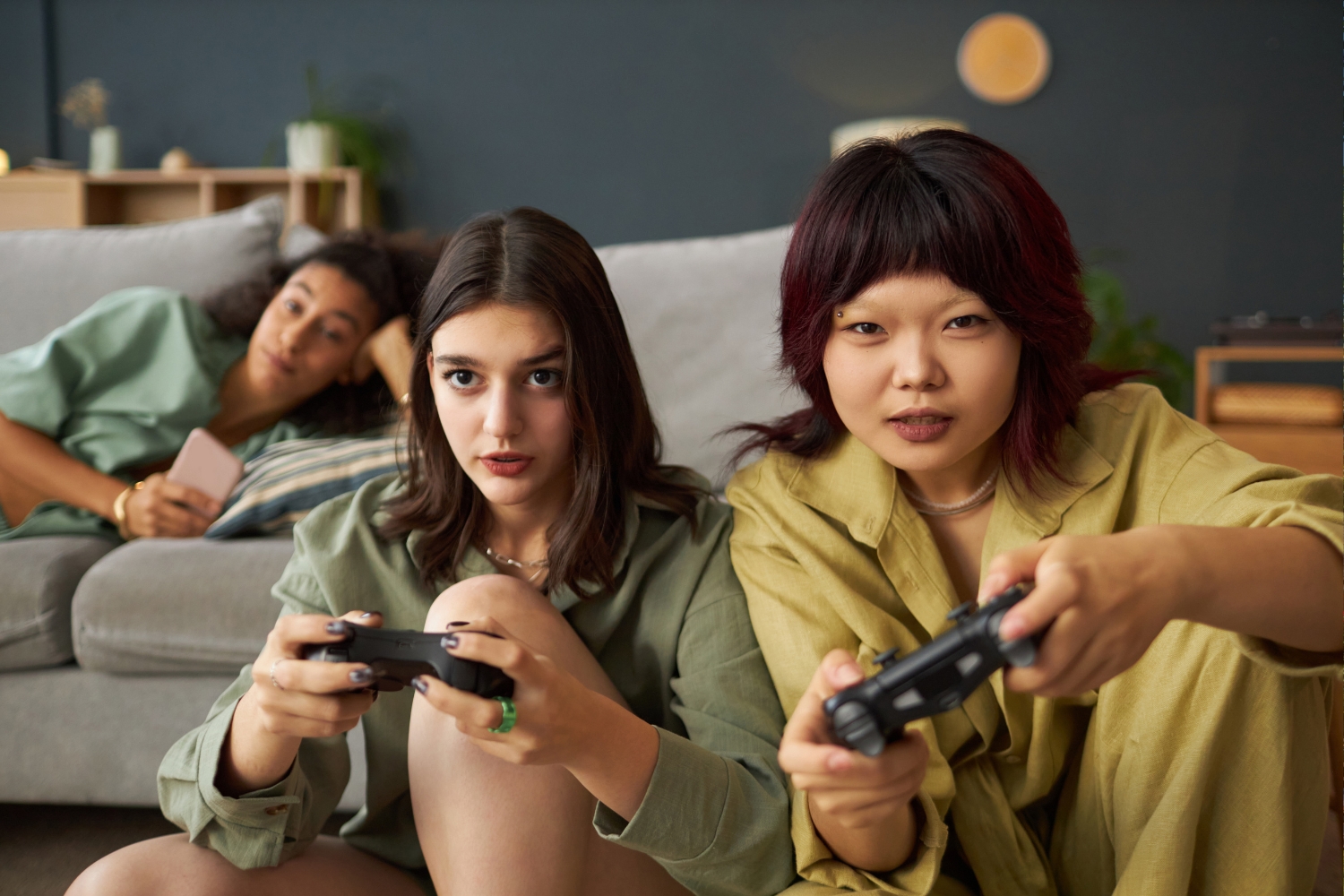
The best Android games with controller support span every genre—from action-RPGs like Genshin Impact to racers like GRID Autosport. Most modern Android devices support Bluetooth controllers out of the box, and games like Call of Duty: Mobile, Dead Cells, and Pascal’s Wager offer full gamepad remapping for a true console-quality experience on mobile.
Touch controls have their place. But for fast-paced action, open-world exploration, or competitive shooters, there’s no substitute for a physical controller. The problem? Not every Android game handles controller input well—and tracking down titles that offer full, polished gamepad support can feel like a full-time job.
This guide cuts through the noise. Below, you’ll find the best Android games with controller support organized by genre, alongside everything you need to know about pairing a controller, choosing the right gamepad, and squeezing the most out of your mobile gaming setup. For more gaming content and platform breakdowns, visit the JayTechDigital Gaming Zone.
What to Look for in Android Games with Controller Support
Not all controller support is created equal. Some games offer partial mapping—basic movement and a few buttons—while others deliver a fully remappable, console-identical experience. Before downloading, here’s what separates a great controller game from a frustrating one:
- Full button mapping: The best titles let you assign every action to any button, so the layout fits your hands.
- No touch-only menus: Games that lock menus behind touch controls break immersion and slow you down mid-session.
- Stable input recognition: The game should detect your controller automatically without requiring a restart or manual pairing in-game.
- Optimized UI scaling: Controller-friendly games adjust their HUD and text for larger screen viewing distances—like a TV or monitor connected via DeX or casting.
- Genre fit: Controllers shine in action, racing, and platformer games. Puzzle and casual games rarely need one.
Keep these criteria in mind as you browse the list below. You can also explore JayTechDigital’s app reviews for deeper dives into mobile gaming applications and tools.
Best Android Games with Controller Support (by Genre)
Action & Adventure Games
Genshin Impact
Genshin Impact by HoYoverse offers near-flawless controller support on Android. Players navigate a vast open world, switch between characters mid-combat, and execute elemental combos—all of which feel significantly more precise with a gamepad than touch controls. The game maps seamlessly to both PlayStation and Xbox-style controllers.
Pascal’s Wager
Often called the “Dark Souls of mobile,” Pascal’s Wager is a punishing action-RPG that practically demands controller input. Timing-based parries and dodge rolls are far more consistent with analog sticks, and the game supports full button remapping.
Oceanhorn 2
This Zelda-inspired adventure supports MFi and Bluetooth controllers natively. Combat, puzzle-solving, and exploration all translate well to gamepad, making it one of the most complete controller experiences on Android.
RPG & Open-World Games
Stardew Valley
The beloved farming RPG received full controller support after a significant update. Every action—from tilling soil to navigating menus—works smoothly with a gamepad, and the relaxed pace makes it ideal for long controller sessions.
Baldur’s Gate: Enhanced Edition
A dense, story-driven RPG that benefits enormously from controller input. The enhanced edition supports gamepads well, and the strategic combat becomes far more manageable when you’re not juggling a touchscreen.
Minecraft
Minecraft on Android supports controllers through Bluetooth pairing and offers a largely console-equivalent experience. Building, crafting, and combat all map intuitively, and the game automatically adjusts its interface when a controller is detected.
Shooters & Battle Royale Games
Call of Duty: Mobile
Call of Duty: Mobile explicitly supports controllers and even provides separate matchmaking for gamepad users—so you’re not competing against touch players at a disadvantage. Full remapping is available, and the game handles aim assist calibration for controller input specifically.
PUBG Mobile
PUBG Mobile added official controller support with specific button layout options. The gyroscope aiming pairs well with analog stick movement for players who want added precision at range.
Fortnite
Available via the Epic Games app on Android (outside the Google Play Store), Fortnite delivers a full console-caliber controller experience on mobile. The game recognizes Xbox and PlayStation controllers automatically and carries over familiar console layouts.
Racing & Sports Games
GRID Autosport
GRID Autosport is one of the most complete racing games available on Android—and controller support is a core feature, not an afterthought. Analog throttle and brake input dramatically improve lap times compared to tilt or touch controls, and the game’s graphics hold up impressively well on modern Android hardware.
Real Racing 3
Real Racing 3 supports Bluetooth controllers and offers a more simulation-leaning driving feel with analog input. The game’s large roster of licensed cars and tracks gives controller players a lot of mileage.
FIFA Mobile
EA’s FIFA Mobile supports gamepads and translates the passing, shooting, and defensive mechanics from console FIFA surprisingly well. It’s the closest mobile players get to a full FIFA experience without a console.
Platformers & Indie Games
Dead Cells
Dead Cells is arguably the best pure platformer on Android for controller users. The roguelike action game maps every mechanic to a gamepad intuitively, and the fast-paced combat feels built for analog sticks. Full remapping is supported.
Shovel Knight: Treasure Trove
This retro-styled platformer is designed around controller input. Every game in the Treasure Trove collection works with Bluetooth gamepads, and the tight jumping mechanics feel far more natural with physical buttons.
Castlevania: Symphony of the Night
Available via Konami’s official release on the Google Play Store, Symphony of the Night includes full controller support and represents one of the greatest platformer-RPGs ever made. It’s a must-play for any Android gamer with a gamepad.
For more detailed game and gadget reviews, check out JayTechDigital’s Reviews section.
How to Connect a Controller to Your Android Device
Connecting a controller to Android is straightforward. Most modern Android devices running Android 8.0 or higher support Bluetooth gamepads natively—no additional apps required.
Via Bluetooth:
- Put your controller into pairing mode (hold the pairing button until the LED flashes).
- Open Settings > Bluetooth on your Android device.
- Select your controller from the list of available devices.
- Wait for the confirmation message—your controller is now connected.
Via USB OTG:
If your Android device supports USB On-The-Go (OTG), you can connect a wired controller directly using a USB-C OTG adapter. This method offers zero input lag and doesn’t drain your controller’s battery.
Via a Controller Clip:
For handheld play, a controller clip attaches your phone to a gamepad—similar to a Nintendo Switch setup. This is the most portable option and works well with any Bluetooth controller.
Some games require you to enable controller input manually within the game’s settings menu. Always check the options menu after connecting your gamepad to confirm input mode is set to “controller” rather than “touch.”
For more Android tips and compatibility guides, browse the JayTechDigital Smartphones section.
Best Controllers for Android Gaming in 2025
Choosing the right controller shapes your entire experience. Here are the top options across different budgets and use cases:
Razer Kishi V2
The Razer Kishi V2 clips directly onto your Android phone and connects via USB-C, eliminating Bluetooth latency entirely. It’s one of the most popular choices for mobile-first gaming and works with almost every controller-supported Android game.
Xbox Wireless Controller
Microsoft’s Xbox controller connects to Android via Bluetooth and is recognized natively by the vast majority of Android games. Its ergonomics are widely regarded as best-in-class, and button mapping is familiar to anyone who’s played on console.
PlayStation DualSense
Sony’s DualSense connects to Android via Bluetooth and works well with most controller-supported titles. The adaptive triggers don’t function on Android as they do on PS5, but the controller’s build quality and thumbstick precision remain exceptional.
GameSir G8 Galileo
A strong mid-range option that clips around your phone and connects via USB-C. The GameSir G8 Galileo offers Hall effect joysticks—which resist drift over time—at a price point well below premium options.
SteelSeries Stratus Duo
A versatile wireless controller that supports both Bluetooth and a 2.4GHz wireless dongle. The Stratus Duo is a solid all-rounder for players who want flexibility between Bluetooth gaming and low-latency wireless.
For hands-on gadget reviews and controller comparisons, visit the JayTechDigital Gadgets category.
Tips for Getting the Most Out of Controller Gaming on Android
Having the right hardware is only part of the equation. These practical tips help you get the most from your Android controller setup:
- Enable Game Mode: Most Android phones include a Game Mode or Game Booster in settings. Activating it prioritizes CPU and GPU resources for your game and reduces background interruptions.
- Use a phone stand or clip: Playing with a controller while holding your phone is uncomfortable over long sessions. A clip mount or stand keeps your screen at eye level.
- Check for controller-specific settings in-game: Many games have separate sensitivity and dead zone settings for gamepad input. Adjust these before playing competitively.
- Keep your controller firmware updated: Both Xbox and PlayStation controllers receive firmware updates that improve Bluetooth stability on Android. Check for updates via their respective apps.
- Test Bluetooth range: Bluetooth controllers typically maintain a stable connection up to 10 meters. Beyond that, input lag and dropouts become noticeable.
- Use Bluetooth 5.0 or later: Android devices with Bluetooth 5.0 offer significantly lower input latency compared to older Bluetooth versions—an important factor for fast-paced games.
You can also explore the JayTechDigital Gaming Zone and the Gamexperiencehub.com gaming platform guide for additional resources on mobile gaming setups and platform recommendations.
According to Android’s official developer documentation on input devices, Android has supported gamepad input natively since API level 9—meaning the platform’s controller compatibility is deeply embedded and continues to improve with each Android release.
Your Setup Is Ready — Now Play Something Great
Controller support has transformed what Android gaming can be. Titles like Dead Cells, Genshin Impact, and GRID Autosport demonstrate that mobile gaming can match console quality when the right hardware and software align. The barrier between handheld play and living-room gaming has never been thinner.
Start with the genre you already love. Pick up a compatible controller—the Xbox Wireless Controller and Razer Kishi V2 are reliable starting points for most players—pair it in seconds via Bluetooth, and work through the list above.
For ongoing gaming coverage, tech news, and platform guides, explore JayTechDigital’s full blog.
Frequently Asked Questions
What Android games have the best controller support in 2025?
The Android games with the best controller support in 2025 include Dead Cells, Genshin Impact, Call of Duty: Mobile, GRID Autosport, and Stardew Valley. These titles offer full button remapping, automatic controller detection, and UI that adapts to gamepad input without requiring touch screen interaction.
How do I know if an Android game supports a controller?
Check the game’s Google Play Store listing under the “Works with” section—Google flags controller compatibility there for many titles. Alternatively, search the game’s name alongside “controller support” to find community confirmation. Games that officially support gamepads typically mention it in their settings menu or feature a controller icon on the Play Store page.
Can I use a PS5 DualSense or Xbox controller with Android?
Yes. Both the PlayStation DualSense and Xbox Wireless Controller connect to Android via Bluetooth. Android recognizes both natively without additional drivers or apps. The DualSense’s adaptive trigger functionality does not carry over to Android, but all standard inputs—buttons, thumbsticks, and triggers—work correctly.
What is the best controller for Android gaming without input lag?
Controllers that connect via USB-C—such as the Razer Kishi V2 or GameSir G8 Galileo—offer the lowest input lag because they bypass Bluetooth entirely. For Bluetooth controllers, devices with Bluetooth 5.0 or later reduce latency significantly compared to older standards. The Xbox Wireless Controller over Bluetooth 5.0 is widely considered the best balance of ergonomics and low-latency wireless input.
Do all Android phones support gaming controllers?
Most Android phones running Android 8.0 or later support Bluetooth and USB OTG controllers natively. However, USB OTG support depends on the specific hardware—check your phone’s specifications to confirm. Older devices running Android 5.0 or earlier may have inconsistent controller compatibility, particularly with newer gamepad models.
Is mobile controller gaming worth it compared to console gaming?
Controller gaming on Android is worth it for players who want console-quality gaming on the go, especially with titles like Fortnite, Call of Duty: Mobile, and Baldur’s Gate that deliver near-identical experiences to their console counterparts. It’s not a full console replacement—platform-exclusive titles and processing power remain advantages consoles hold—but for portable gaming with physical controls, Android controller gaming is a genuinely compelling option.
Are there free Android games with full controller support?
Yes. Genshin Impact, Fortnite, Call of Duty: Mobile, and PUBG Mobile are all free-to-play and offer full controller support on Android. These titles represent some of the best free controller-compatible games available, covering open-world RPG, battle royale, and shooter genres.